 ae7868d410
* feat: Add Bioxel asset catalog and layer management functionality

- Introduced a new asset catalog definition file for Blender to manage Bioxel assets.
- Implemented layer caching and snapshot functionality in `layer.py`, allowing for VDB file generation and low-resolution snapshots.
- Created node management functions in `node.py` for handling Bioxel nodes within Blender's Geometry Node Editor.
- Added an operator to extract mesh data from selected nodes in `structure.py`.
- Developed UI panels in `panels.py` for layer management, including import options and layer library display.

* Add unit tests for bioxel module and documentation

- Created README.md for test instructions and categories.
- Implemented comprehensive unit tests for the Data, Layer, and utility functions in the bioxel module.
- Added tests for reading NRRD and DICOM formats, data properties, and edge cases.
- Included tests for real data files to ensure functionality with actual datasets.

* feat: Update .gitattributes and .gitignore for improved asset management and ignore patterns

chore: Add app.json and omoolab.css for Obsidian integration

refactor: Clean up AGENTS.md and remove outdated test files

* feat: Update .gitignore to include scipy_ndimage directory

* feat: Update release workflow and manifest for improved dependency management and layer handling

* feat: Update .gitignore and add binary files for scipy_ndimage across multiple platforms

* feat: Add OPSX commands for archiving, exploring, and proposing changes

* feat: Refactor asset library management and update manifest for improved organization

* feat: Downgrade h5py version to 3.14.0 in requirements and manifest

* feat: Update Help operator and panel labels to use English terminology

* Translate documentation to Chinese, add support format details, and enhance styling with new fonts. Update mkdocs configuration for multilingual support and improve package dependencies.

* feat: Remove default version setting from extra configuration in mkdocs.yml

* fix: Update documentation links to point to the correct URLs for Chinese and English versions

* Add documentation for basic usage, supported formats, and performance tips

- Created English and Chinese documentation for basic usage of the add-on, including data download, import, extraction, and rendering steps.
- Added support format documentation listing compatible file types for the add-on.
- Included links to open databases for volumetric data.
- Provided performance improvement tips for voxel reconstruction and rendering, including settings for low-resolution previews and balanced rendering configurations.
3.0 KiB
3.0 KiB
v2.0.x has been released, supporting only Blender 5.0+. The usage is completely different from before and is not compatible with old version files. See http://docs.omoolab.xyz/bioxelnodes/2.0.x/en/basics/
Bioxel Nodes





Bioxel Nodes is a Blender addon for scientific volumetric data visualization. It using Blender's powerful Geometry Nodes and Cycles to process and render volumetric data.
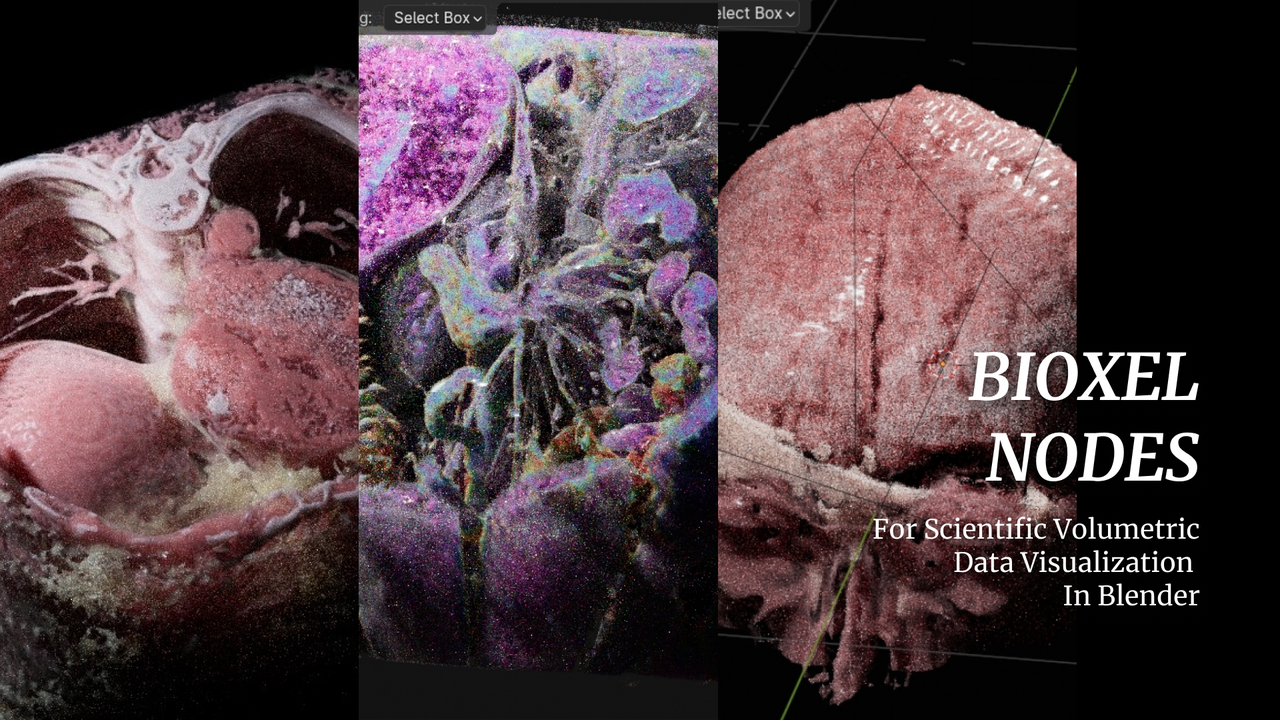
- Realistic rendering result, also support EEVEE NEXT.
- Support multiple formats.
- Support 4D volumetric data.
- All kinds of cutters.
- Simple and powerful nodes.
- Based on blender natively, can work without addon.
Read the getting started to begin your journey into visualizing volumetric data!
Welcome to our discord server, if you have any problems with this add-on.
Support Multiple Formats
| Format | EXT |
|---|---|
| DICOM | .dcm, .DCM, .DICOM, .ima, .IMA |
| BMP | .bmp, .BMP |
| JPEG | .jpg, .JPG, .jpeg, .JPEG |
| PNG | .png, .PNG |
| TIFF | .tif, .TIF, .tiff, .TIFF |
| Nifti | .nia, .nii, .nii.gz, .hdr, .img, .img.gz |
| Nrrd | .nrrd, .nhdr |
| HDF5 | .hdf, .h4, .hdf4, .he2, .h5, .hdf5, .he5 |
| OME | .ome.tiff, .ome.tif |
| MRC | .mrc, .mrc.gz, .map, .map.gz |
Support 4D volumetric data
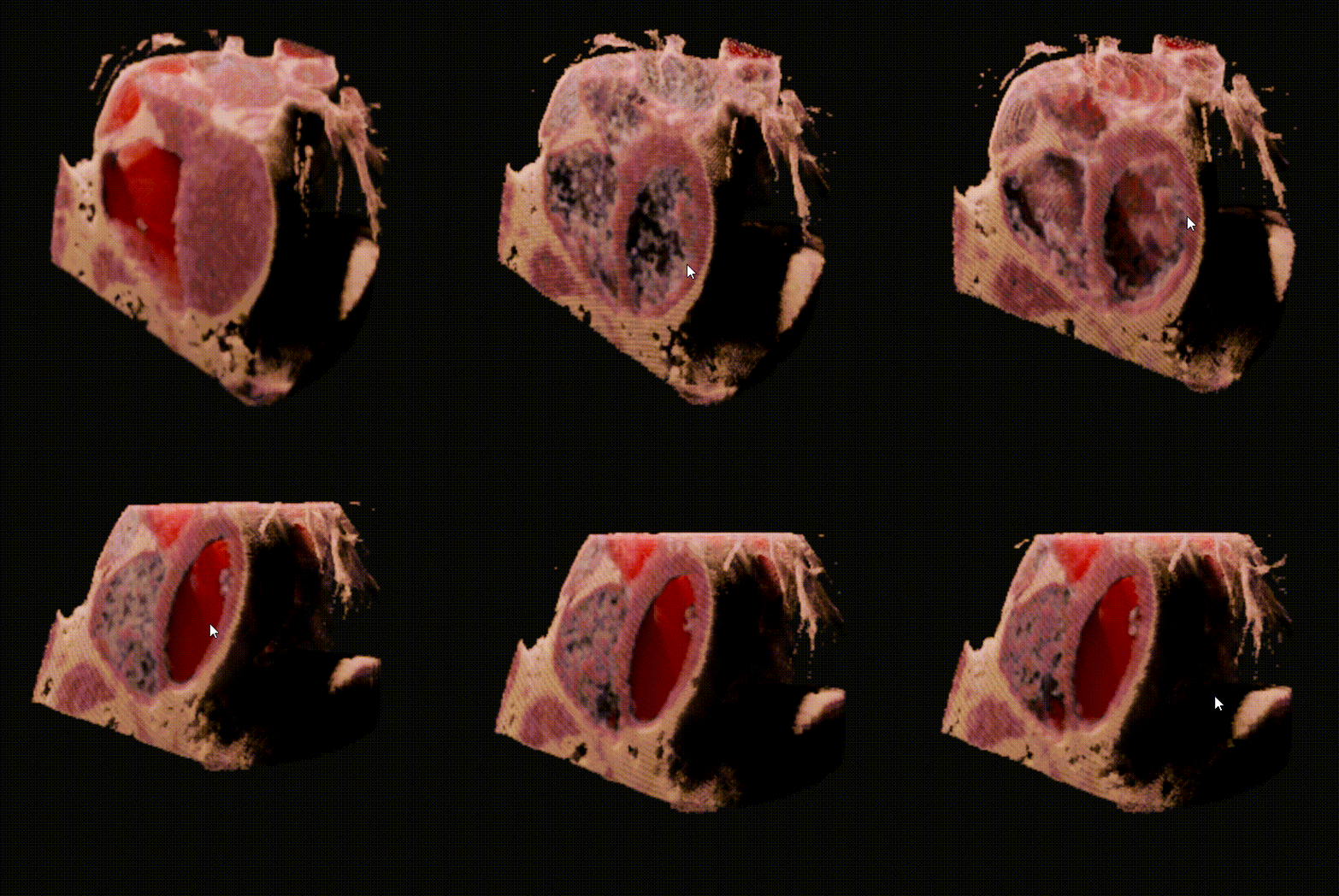
🥰 4D volumetric data can also be imported into Blender.
Support EEVEE NEXT
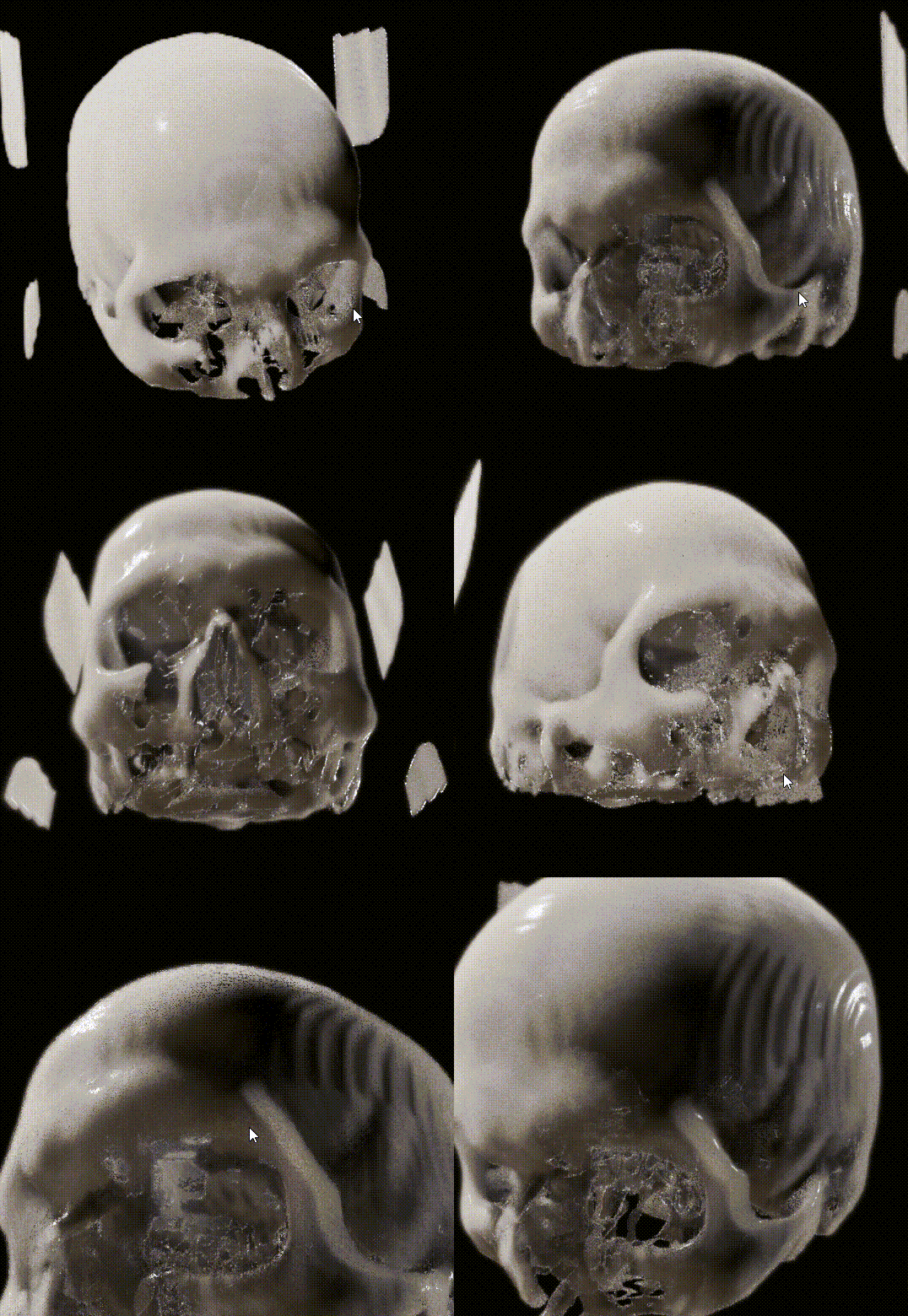
👍 EEVEE NEXT is absolutely AWESOME! Bioxel Nodes is fully support EEVEE NEXT now! However, there are some limitations:
- Only one cutter supported.
- EEVEE result is not that great as Cycles does.
Known Limitations
- Only works with Cycles CPU , Cycles GPU (OptiX), EEVEE
- Section surface cannot be generated when convert to mesh (will be supported soon)
Roadmap
- Better multi-format import experience
- One-click bake model with texture
- AI Segmentation to Generate Labels